Moving Your Power Music to a New Device
Installing the Power Music App on a New Device
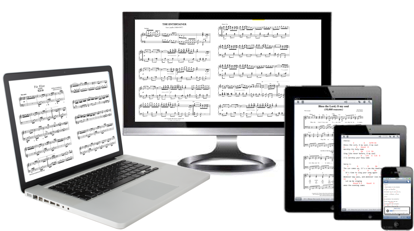
Many users are upgrading to a new computer as their current PC/Mac reaches the end of its life. This guide explains how to install Power Music on your new device and transfer your songs, playlists, and other data.
Your Product Key
Before you begin, check your existing Power Music licence(s) using the FAQ below.
Please note: Product Keys are platform-specific. For example, a Windows Product Key cannot be used on a Mac or iPad.
You can download the latest version of Power Music here.
Transferring Your Songs and Playlists
There are three ways to transfer your songs, playlists, annotations, and notes to a new device.



 A review of page turners including the new flic 2 Bluetooth button.